Display & Video Output
The standout feature is its
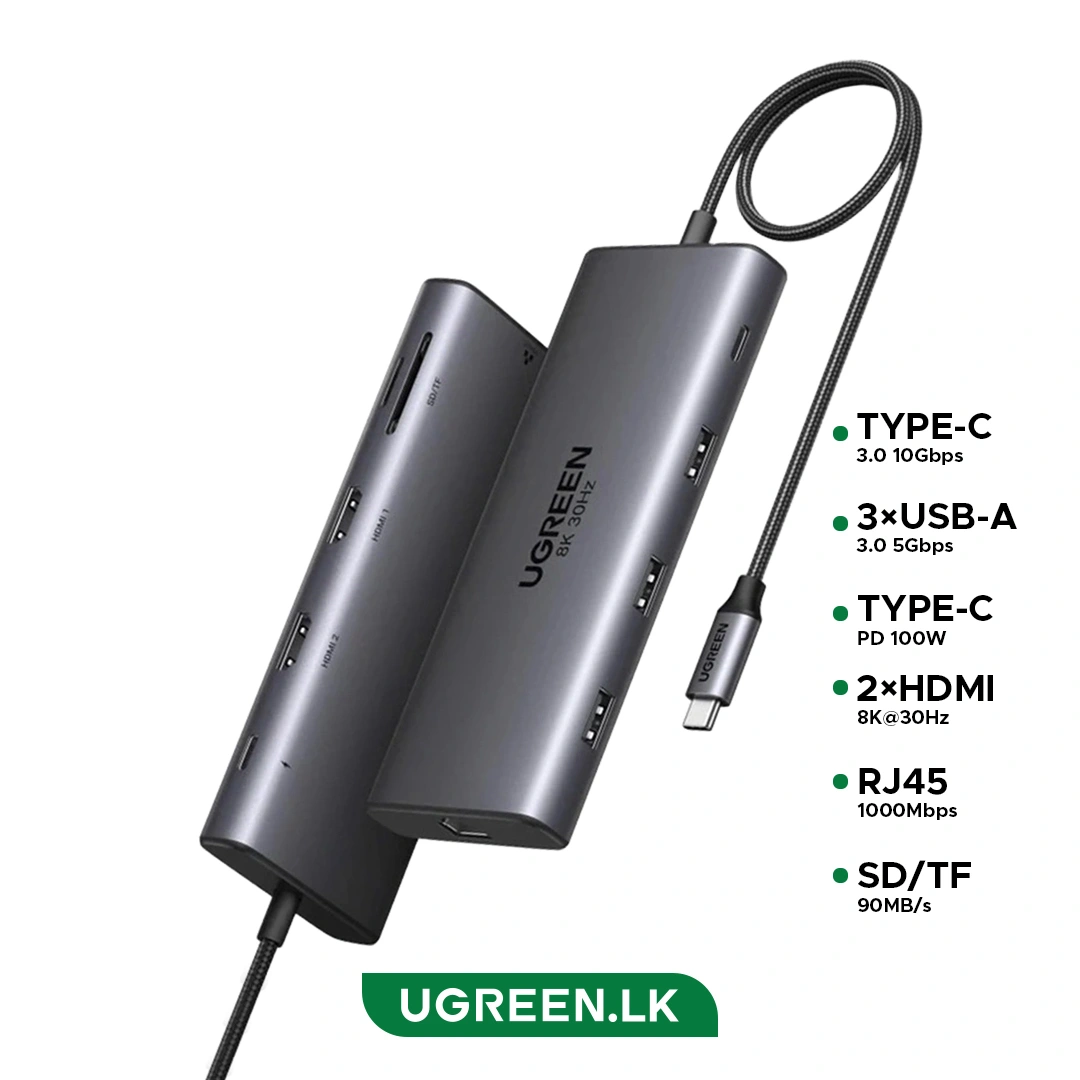
dual HDMI ports. You can connect two monitors at
4K@60Hz for a multitasking setup, or use the HDMI 2 port alone to drive a single
8K@30Hz display. Note that on macOS, the two HDMI ports will mirror the same image rather than extend.
Port Configuration
It provides a total of 10 ports:- 2× HDMI (up to 8K@30Hz single, or dual 4K@60Hz)
- 1× USB-C 3.0 (5Gbps data)
- 1× USB-A 3.0 (5Gbps data)
- 2× USB-A 2.0 (for peripherals like keyboards and mice)
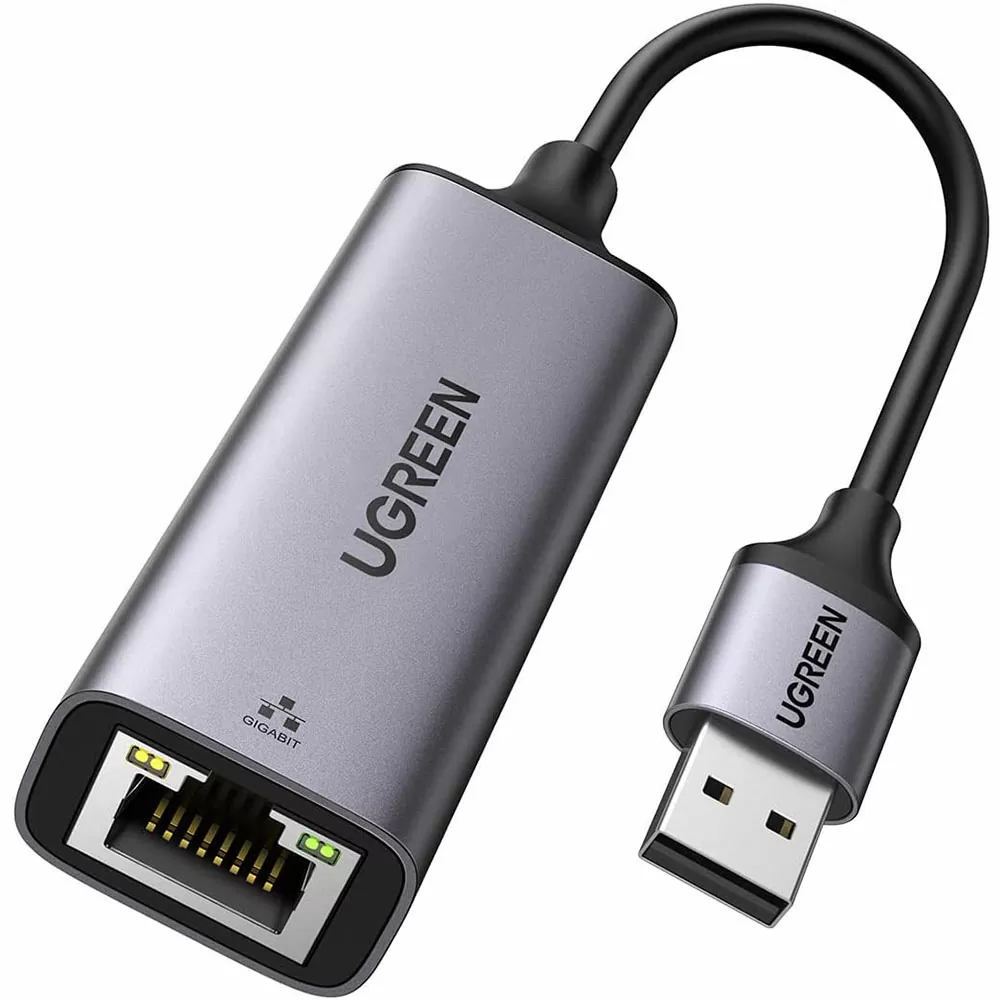
- 1× RJ45 Gigabit Ethernet (10/100/1000Mbps)
- 1× SD Card Slot and 1× TF/MicroSD Slot (up to 90MB/s)
- 1× USB-C PD (100W Power Delivery input)
Power Delivery & Charging
The dedicated USB-C PD port supports up to
100W input, passing through up to
85W to charge your laptop while reserving 15W to power the hub and its connected peripherals. This port is for charging only and does not support data transfer or video output.
Data Transfer & Design
The USB 3.0 ports offer
5Gbps transfer speeds, while the SD and TF card slots support simultaneous reading. The hub features a durable
aluminum casing for heat dissipation and is
plug-and-play with no drivers required. It is compatible with Windows and macOS.